A fast, lightweight web browser designed for the TV remote. Move a cursor like a mouse or jump from link to link — without ads or pop-ups.
Free · No account · No tracking
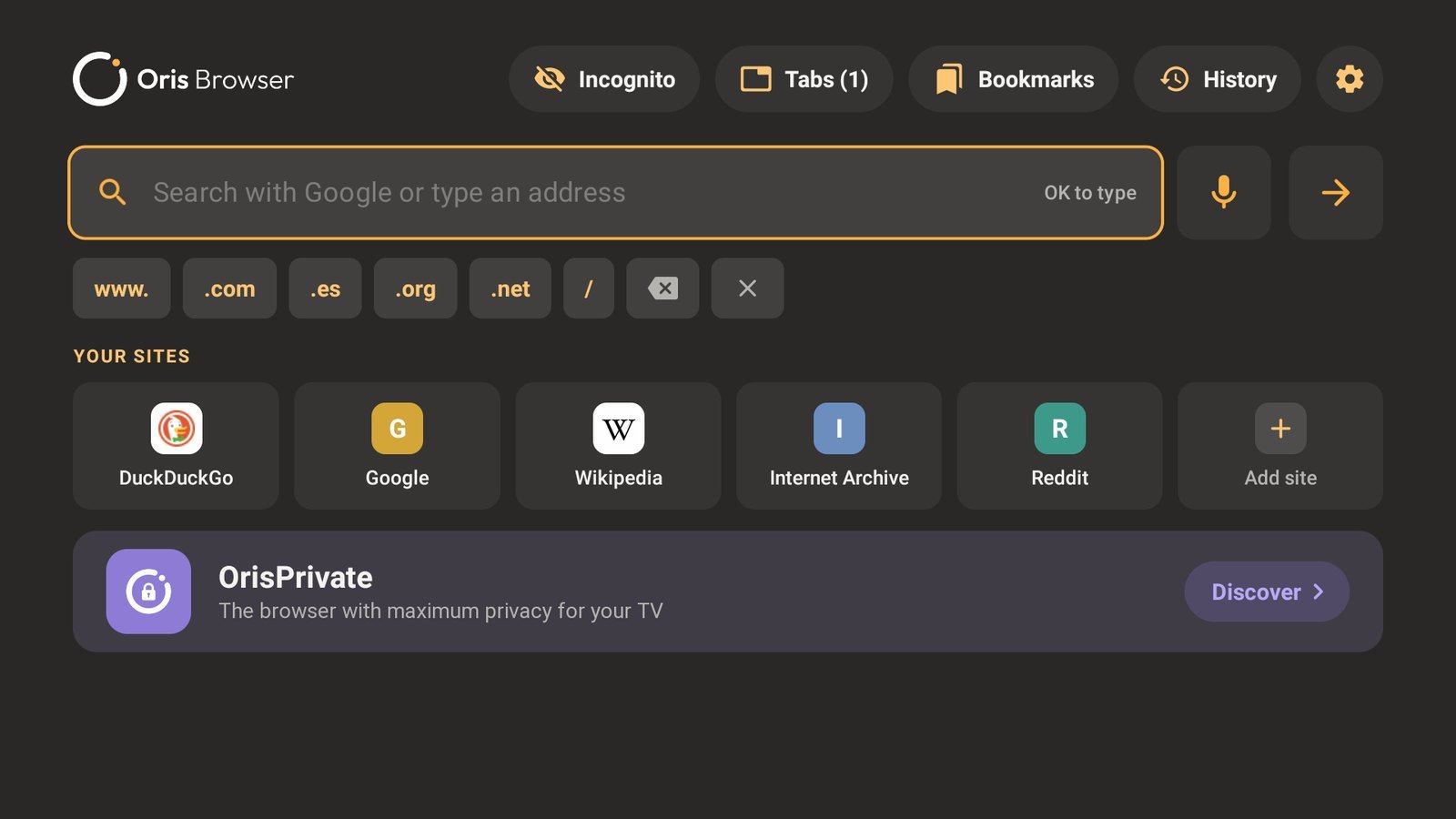
A browser built for the sofa: big, readable and easy to use with just the remote.
Move a pointer with the D-pad and press OK anywhere, or jump from one link to the next on simple sites.
Pin favourite sites to the home screen and reopen recent ones instantly. Bookmarks and history included.
Built in and on by default. Pages load faster and stay clean, with no extra setup.
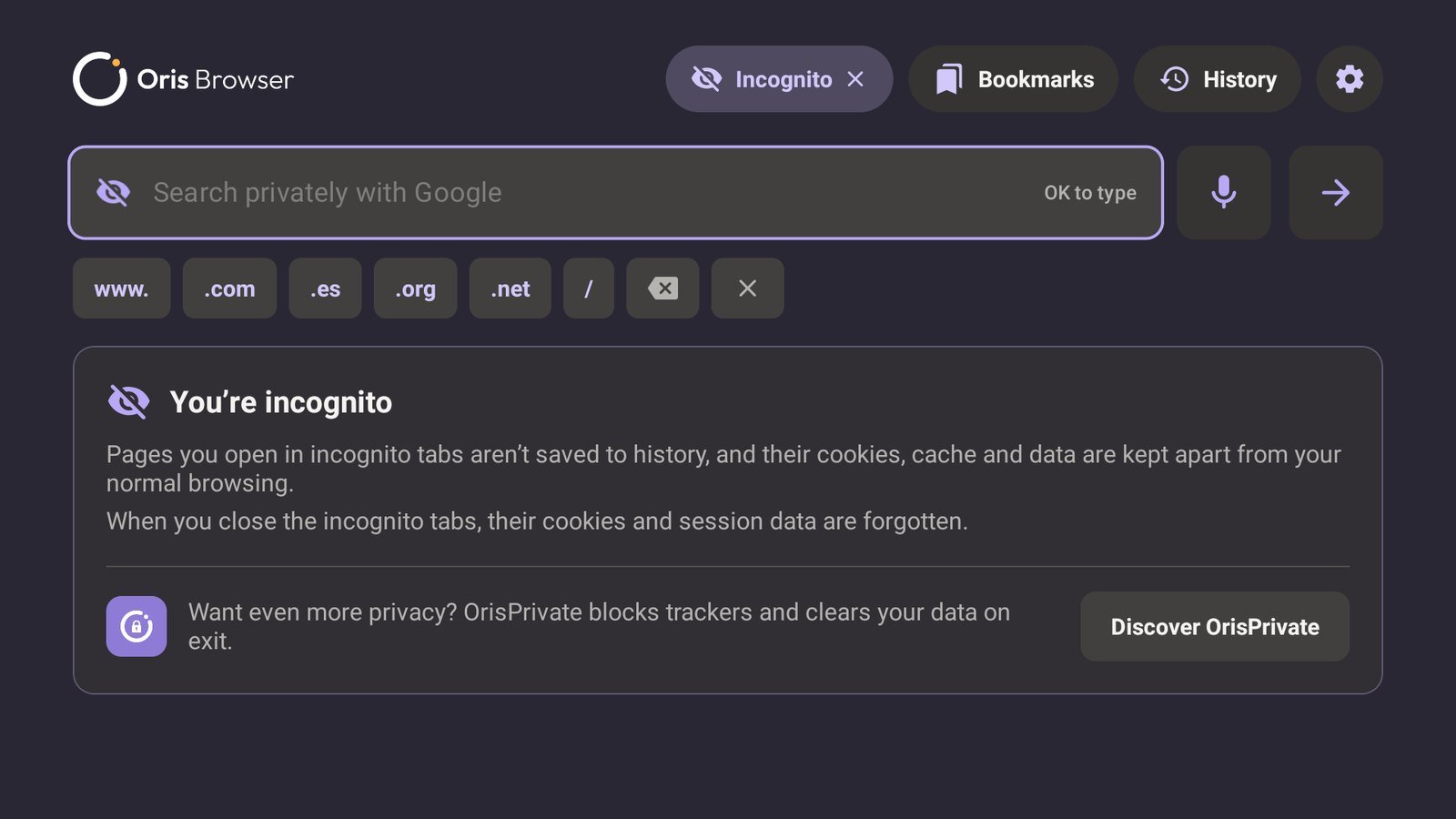
Nothing is saved to history, and cookies and cache are kept apart and forgotten when you close them.
Watch videos full screen with the site's own player. Choose to be asked, always, or never.
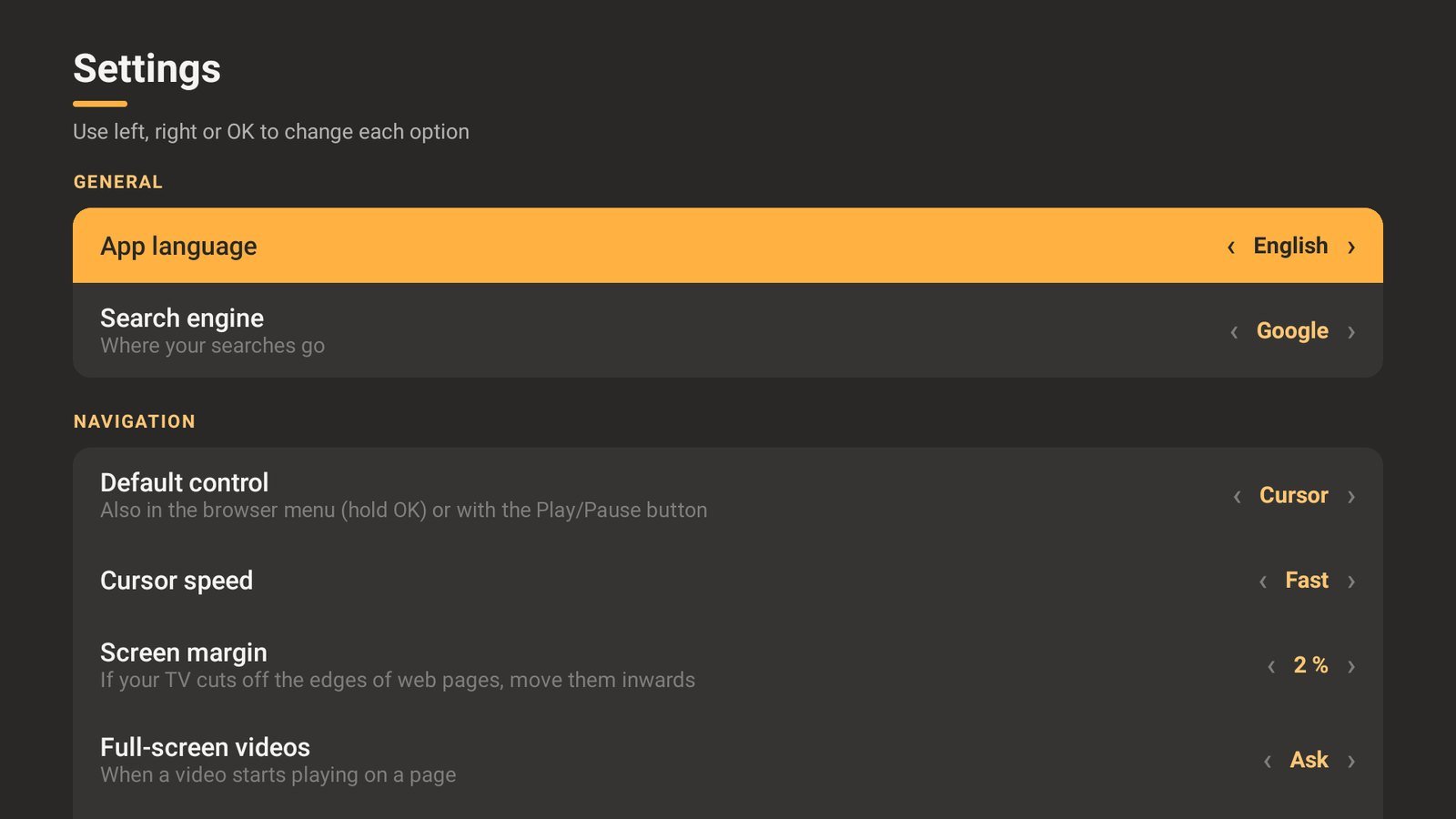
Night mode for websites, text size and page zoom, desktop version, and a margin for TVs that crop the picture.
No mouse, no keyboard, no problem. Everything in Oris Browser works with the D-pad and OK button of any Google TV or Android TV remote.
Hold OK for the browser menu
Address bar, tabs, bookmarks, zoom and settings, from any page.
D-pad to move
Glide the cursor across the page — it speeds up the longer you hold — or hop between links.
Voice search
Search by voice with DuckDuckGo, Google, Bing, Brave Search, Ecosia or Startpage.
Back goes back
Return to the previous page, then to your home screen. Up to 8 tabs open at once.
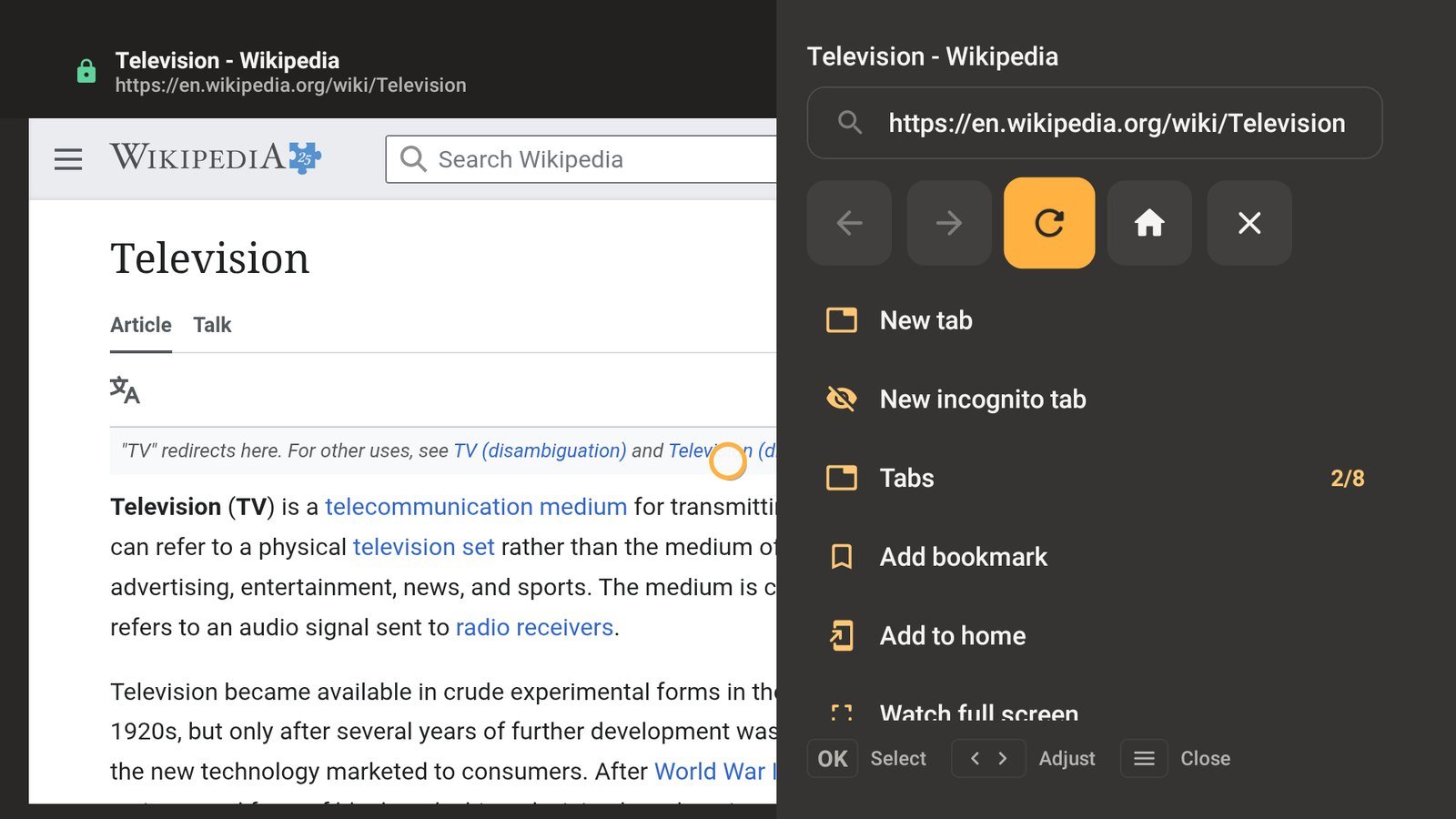
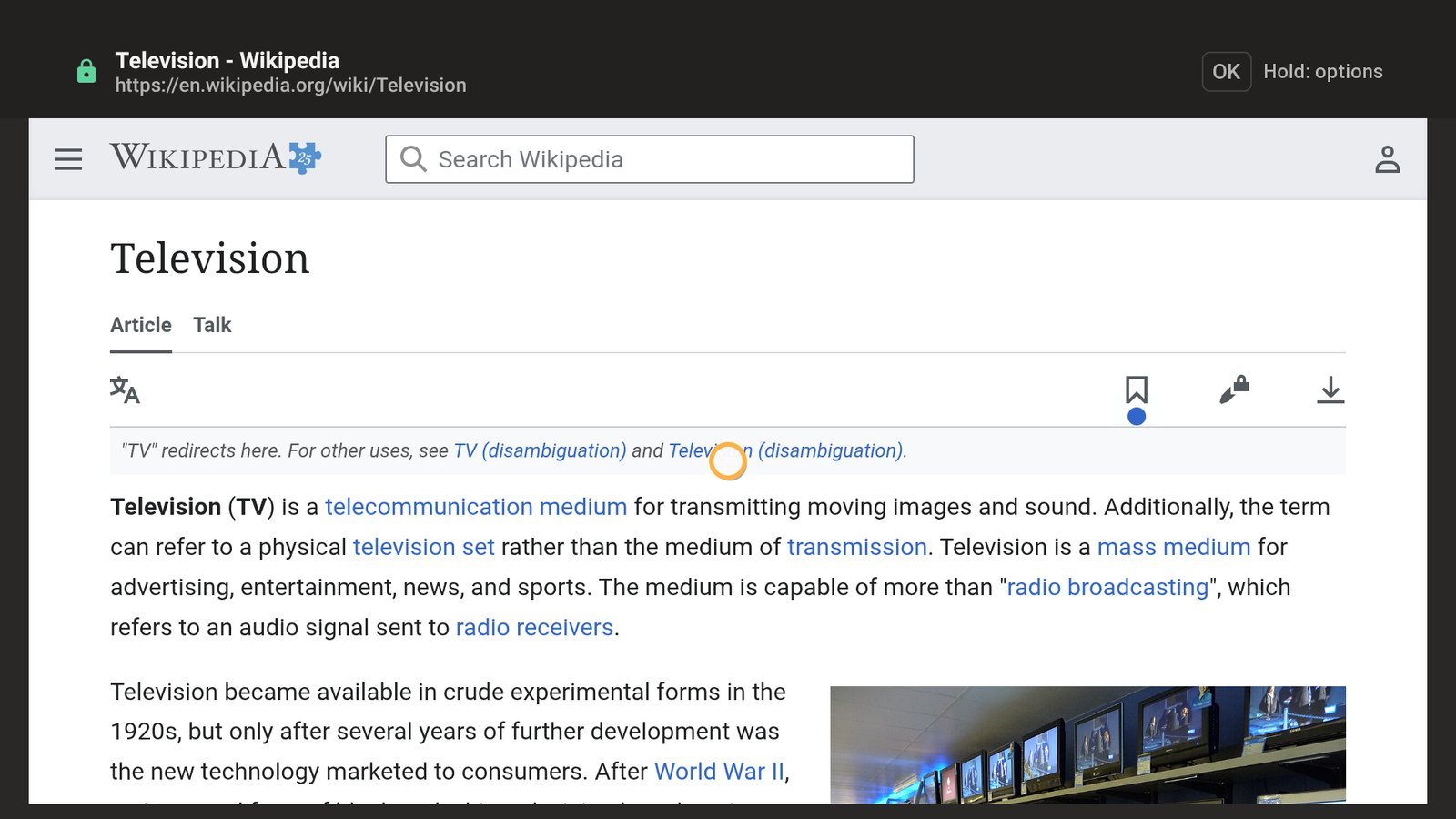
A clean interface that is easy to read from across the room.
No account, no sign-in, no sync, no analytics. Your history, bookmarks and settings stay on your TV, and you can clear them at any time — by the last 30 minutes, 24 hours, 7 days or all time. Turn on HTTPS-only mode for secure connections everywhere.
Read the privacy policyYes. Oris Browser is free to download and use, with no account required.
Google TV and Android TV devices: smart TVs, streaming sticks and set-top boxes running Android TV 5.1 or later.
Hold the OK button on any part of a page to open the browser menu. Holding OK over a link shows options for that link, including the browser menu.
Cursor mode works on every site, just like a mouse. Link mode is faster on simple, text-heavy sites. You can switch at any time from the browser menu, or with the Play/Pause button if your remote has one.
No. The app has no analytics or advertising SDKs and no servers of its own. Everything you save stays on your device. See the privacy policy for details.
Open Settings, or the browser menu, and increase the screen margin until the whole page fits.